DTFix
BETA Free while in beta

Every file DTF-ready, right in your browser.

DTFix turns your artwork into a print-ready 300 dpi PNG for DTF transfers. It removes the background, screens soft fades into dots and checks every pixel, so the file is DTF-ready. Then it lays your designs out on Gang Sheets.

  • Artwork never uploaded
  • Runs in your browser
  • Every pixel ink or no ink
  • First 2 images without signing up
  1. Knock out
  2. Halftone
  3. DTF check
  4. Export

Five tools to prepare artwork for DTF printing.

Each one solves something DTF film is strict about. Try them here; the app does the same with your own files.

Background remover

Lose the background. Keep every colour.

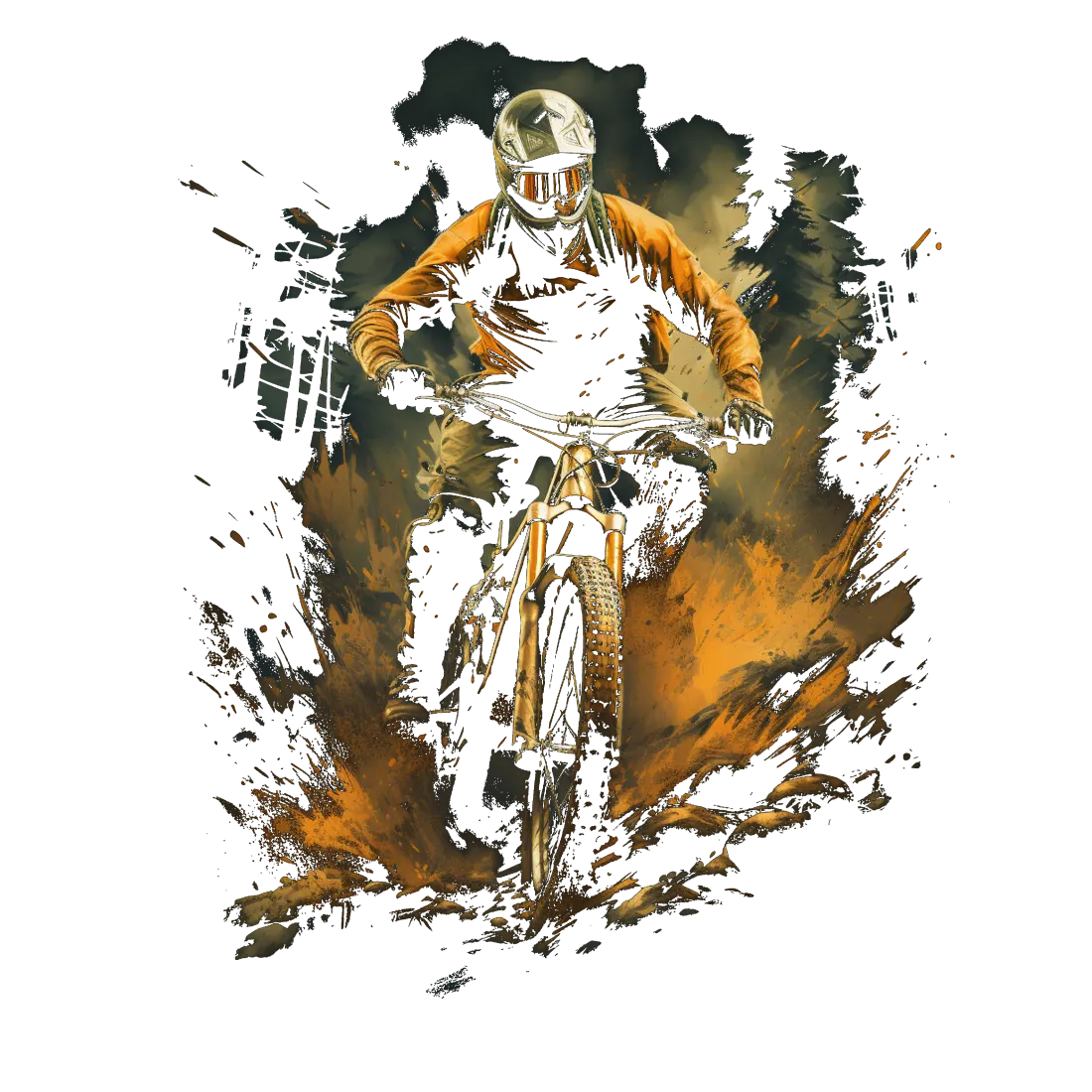
Remove the background, black, white or any colour, and the colours that were mixed into it come back, so soft edges don’t keep a dark halo on the shirt.

  • Colour or luminance knockout, with a tolerance you can see
  • Background only: the same colour inside the design stays
  • Restores the colours of glows and anti-aliased edges
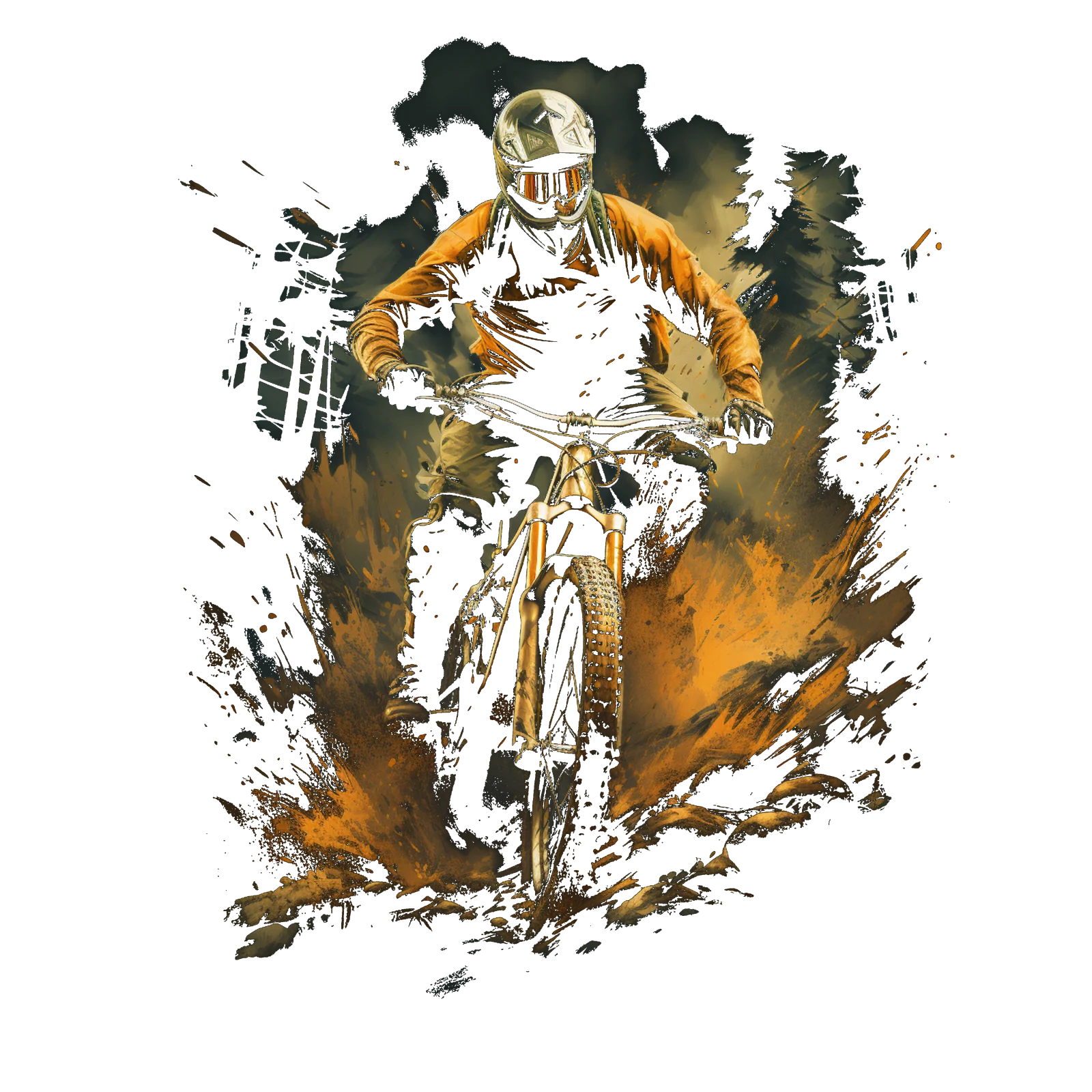
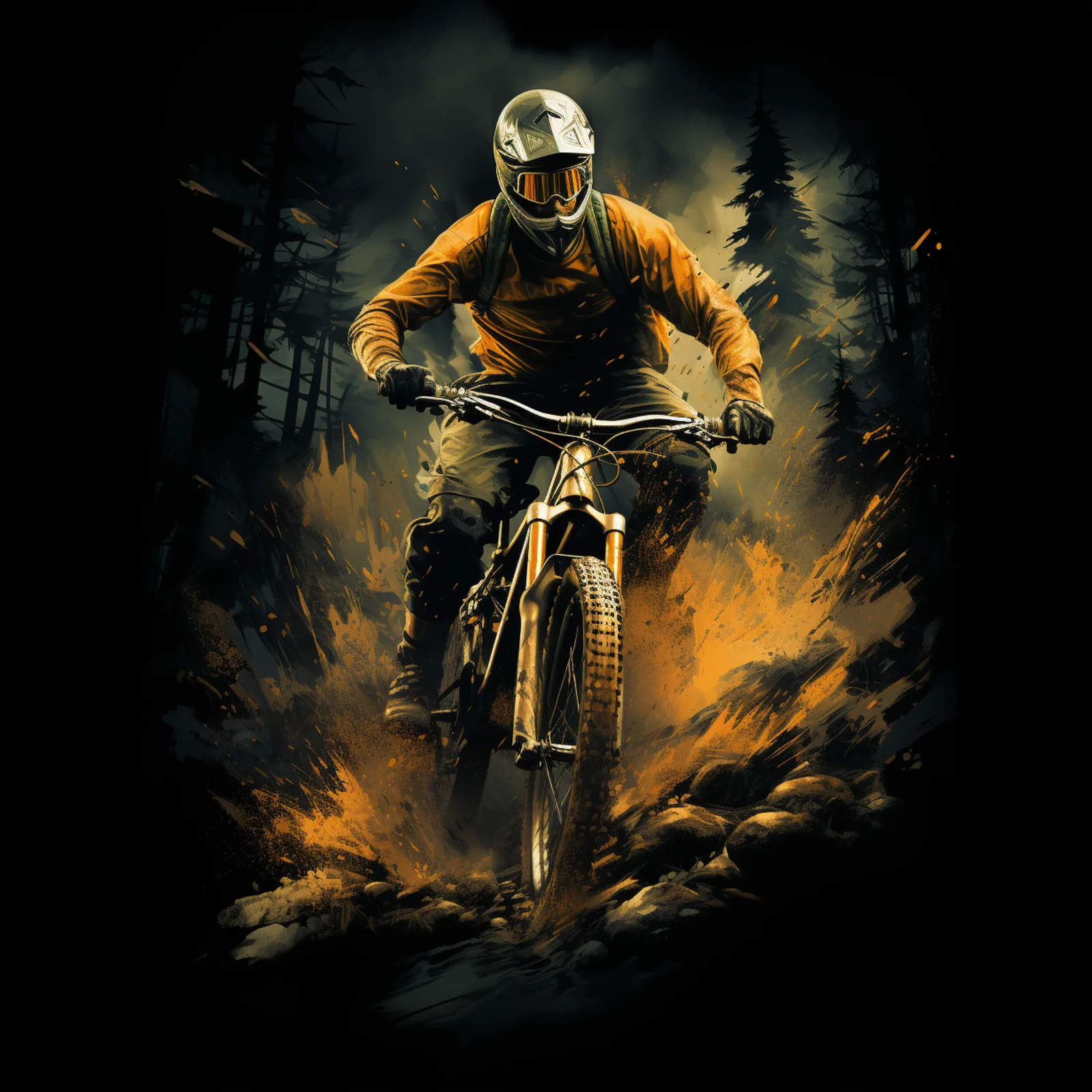
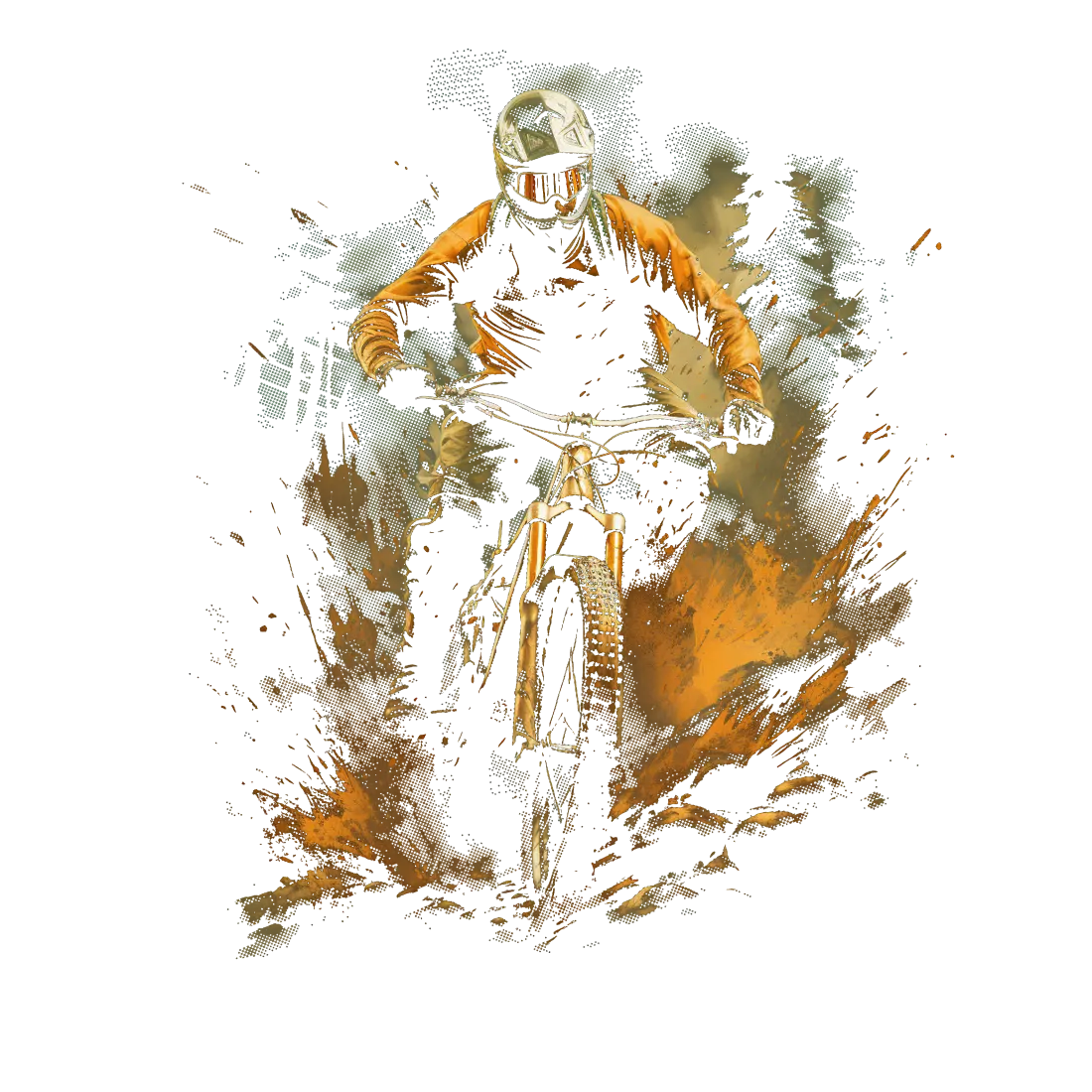
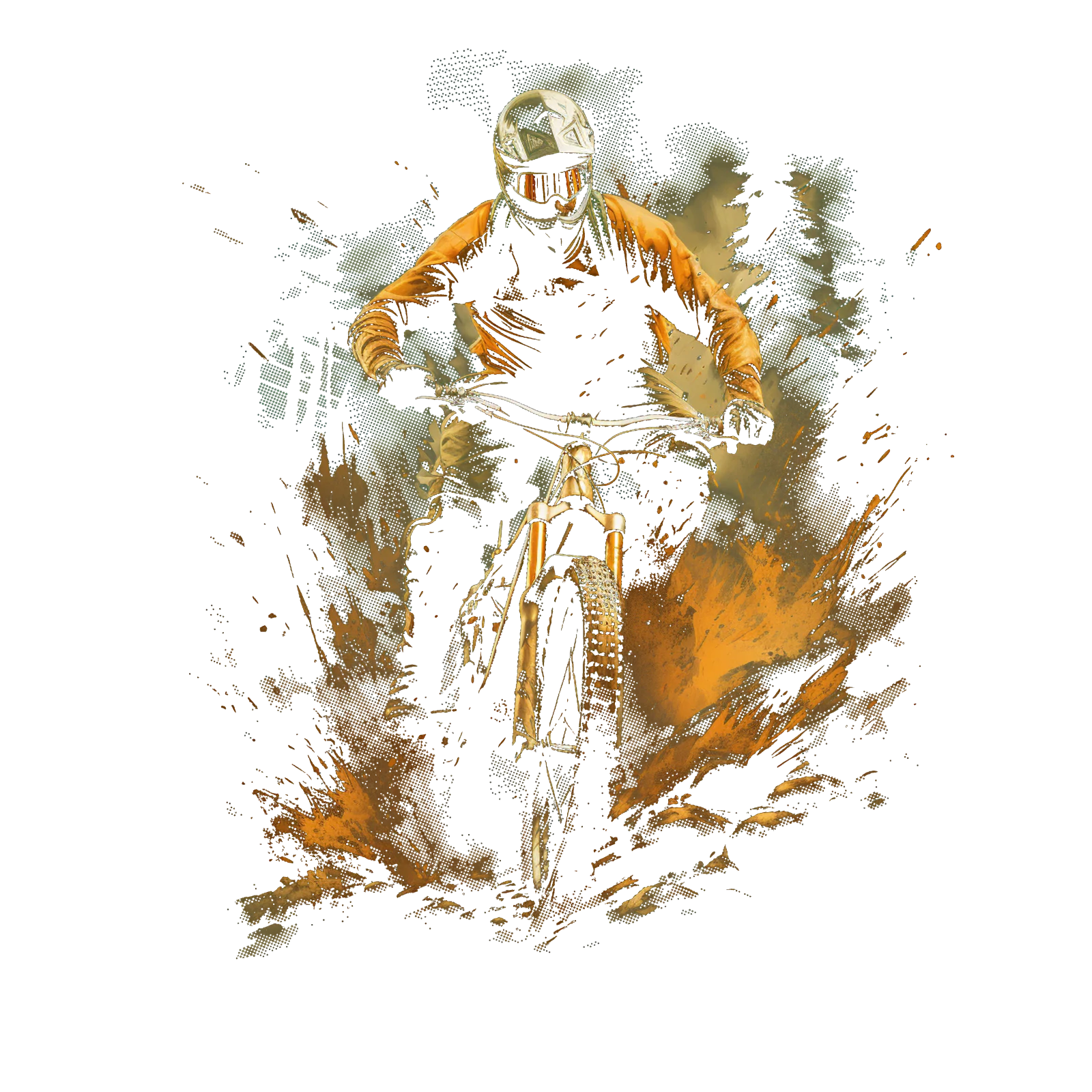
The biker with its background knocked out The original biker on its black background Your file Knocked out
Halftone for DTF

Fades become dots your printer can hold.

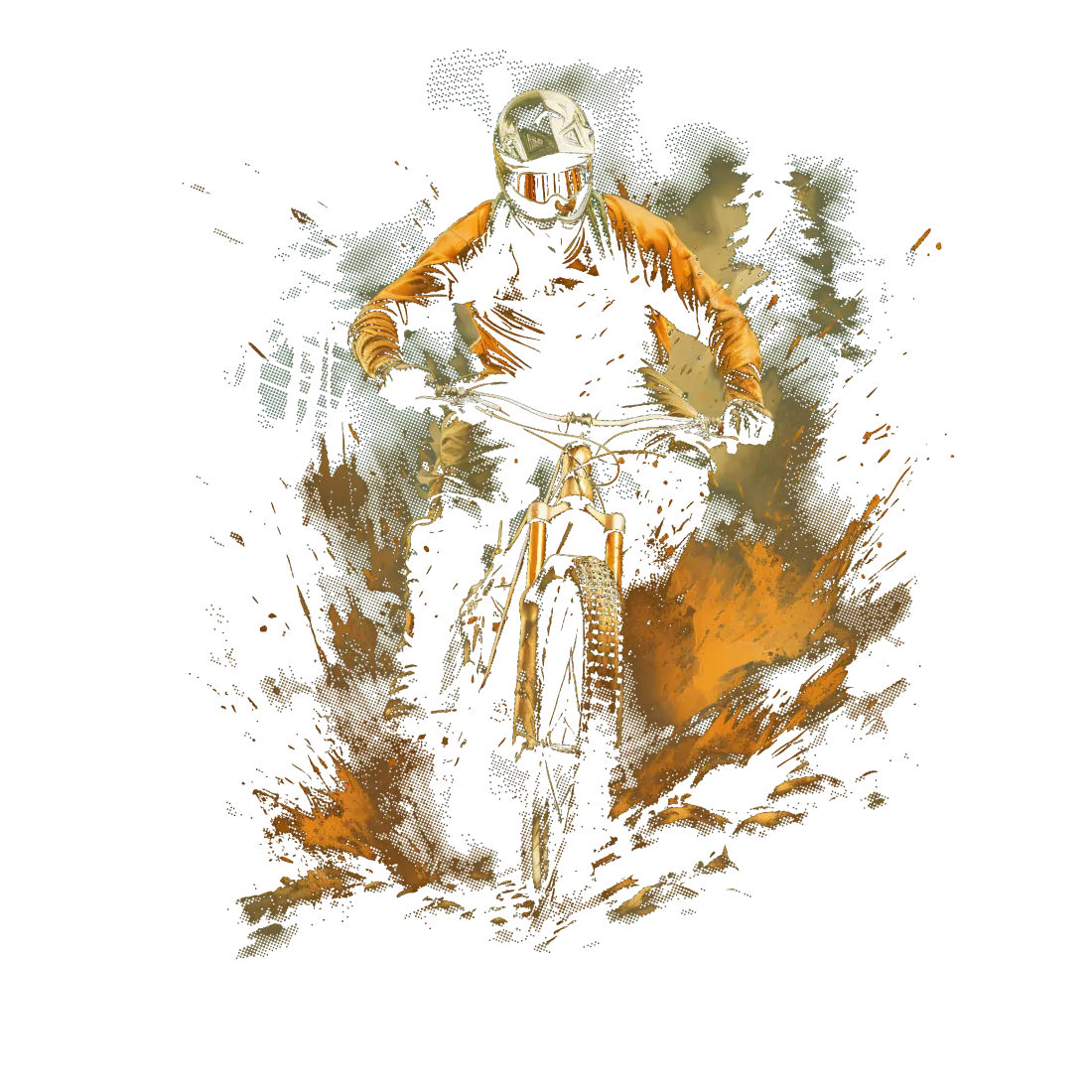
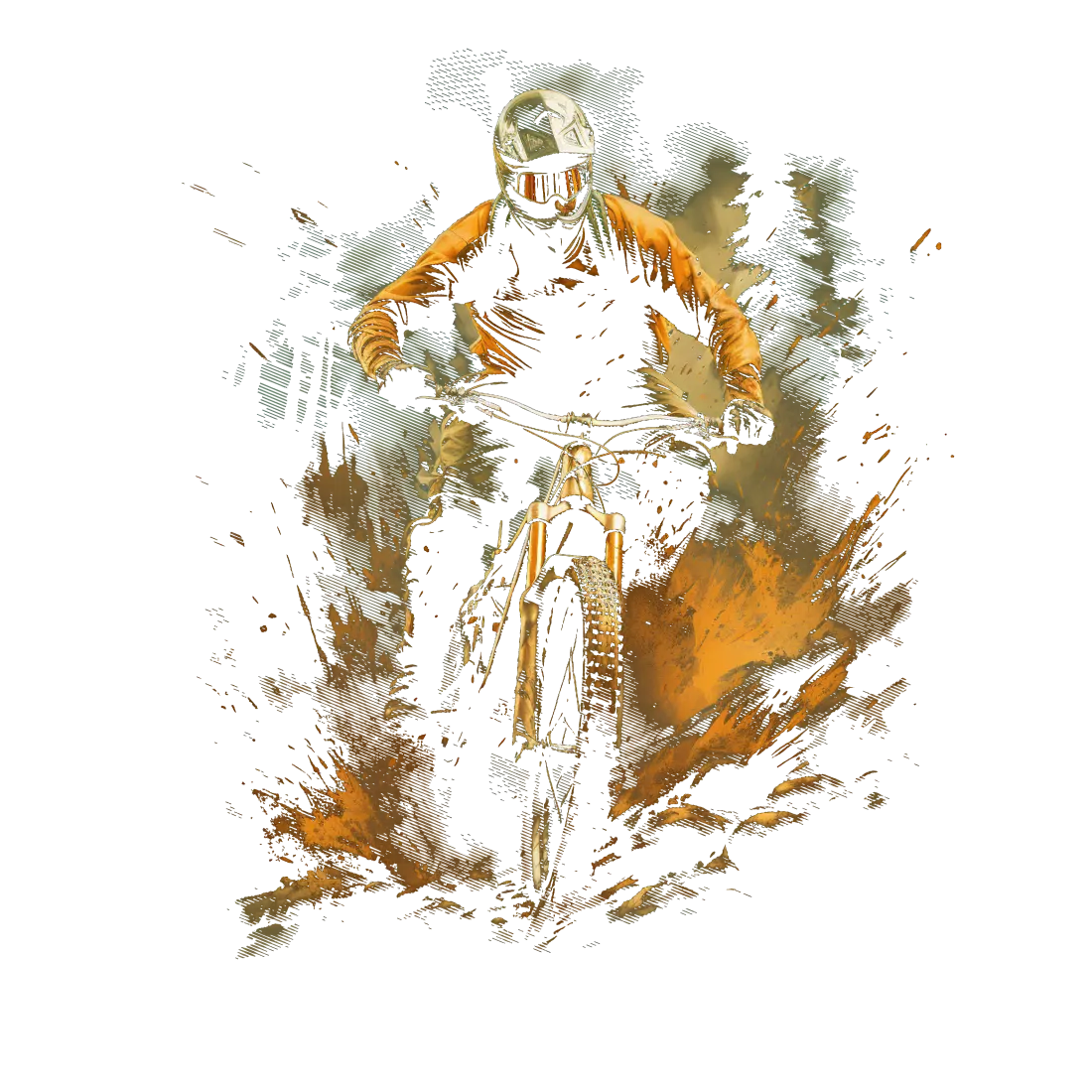
Glows, shadows and soft edges are screened into halftone dots of solid ink: a pattern the eye reads as a fade. This is the sample design, pixel for pixel, with each pattern.

  • Dots, lines or squares
  • LPI, angle, dot gain and a minimum dot
  • A print-test swatch to tune it to your printer
The same spot of dust in each pattern, in print pixels
T-shirt mockup

See it on a shirt, at the size it prints.

The print sits on a t-shirt mockup at real scale, from Kids to 2XL, in black, white or your own shirt colours, before you send anything.

  • Drag the print into place; it snaps to the centre
  • Try a width, then apply it to the file
  • A quality check tells you if it stays sharp
26.4 cm wide on a size M (chest 51 cm)
DTF check

Every pixel is ink, or no ink.

DTF film can’t print half-transparent ink. The check shows those pixels in magenta, and every export fixes them before it saves, so nothing muddy reaches the printer.

  • Problem pixels shown on the image, with Next to step through
  • Checked again on the exact file that is saved
  • 300 dpi and sRGB written into the PNG
0 half-transparent pixels
Would print as muddy inkFull ink
Gang sheet builder

Gang Sheets that fit your provider’s film.

Fill the film width with designs and copies, auto-arranged with the right gaps, and export 300 dpi PNGs ready to upload. Add a copy and watch it pack.

  • Save your provider’s width, length, margins and gap once
  • Copies, 90° turns, and more sheets when one is full
  • Warns about details smaller than they can print
58 cm film
0.00 m

Film prints ink or nothing. Most artwork isn’t made for that.

A DTF printer lays colour and a white base on film, then the film is pressed onto the shirt. Every pixel with any opacity gets ink, and there’s no such thing as half-transparent ink. These are the four ways a file goes wrong on film.

Soft glows print as a solid patch

A 20% glow still gets the full white base under it. On the shirt it turns into a stiff, pale cloud with a hard edge.

DTFix screens every fade into dots, so the glow fades into the fabric.

The background prints too

A black square disappears on a black tee in the preview. On film it’s a rectangle of ink, and its dark edge stays around the design.

Knock out removes it and puts the mixed-in colours back, with no halo.

Tiny dots wash out

Dots below what your printer can hold fall off the film or flake in the wash, and the fade ends in a hard line.

A minimum dot keeps every dot printable; light tones get fewer dots, not smaller ones.

Not enough pixels for the size

A file that looks fine on screen can have 120 dpi of real detail at print size. On film every step shows.

The quality check tells you the real dpi at your print width and how much to upscale.

  • 300 dpiWritten into the PNG, so the print size is right
  • 0 or 255Every pixel’s alpha: full ink or no ink
  • sRGBColour profile tagged in the file
  • TrimmedEmpty edges cropped to the design
  • Your widthGang Sheets fit your provider’s film
  • 160 MPLarge prints, on a computer with the memory

Your artwork never leaves your computer.

DTFix does all the work in your browser. There’s no upload step, no server that sees your designs, and no waiting for one.

  • Processed on your machineKnock out, halftone and export run in your browser, even for large prints.
  • Kept in your browserMy images remembers your files and settings. Back everything up to one file any time.
  • Your account holds no filesYour email and how you sign in, never your artwork.

Free while in beta.

Sign up with Google or an email code and use everything, free until at least 31 January 2027. After that a free plan stays, with limits.

Beta account Now

Free

Until at least 31 January 2027.

Sign up free

No card needed. Sign up with Google or an email code.

Everything is included

  • Unlimited images, up to 10 open at once
  • Every halftone pattern and setting
  • Mockups at real print size
  • Gang Sheets up to 5 m per file, for any provider
  • Export all, presets, My images and backups

After the beta

A free plan stays
With limits on how many images you export a month and how long a Gang Sheet can be. Knock-out, halftone and the DTF check stay free, at full print quality.
15 days’ notice
You’ll hear from us at least 15 days before anything changes, with the price in plain numbers.
You choose, or nothing is charged
There is no card on your account. You pay only if you pick a paid plan yourself.

Questions, answered.

Something missing? Write to us, or use Feedback inside the app. Every message is read.

What does DTFix do to my file?

It removes the background colour, turns semi-transparent areas (glows, shadows, soft edges) into a halftone pattern, and makes sure every pixel is either full ink or empty. You get a 300 dpi PNG with the print size written into it.

Your original is never changed; DTFix exports a new file, named like artwork_dtf_black.png.

How do I prepare a file for DTF printing?

Start from the largest file you have, ideally a PNG. Open it in DTFix, remove the background, and pick a halftone if the design has glows or soft fades. Set the width it will print at, see it on a t-shirt, and look at the DTF check. Then export: you get a 300 dpi PNG where every pixel is solid ink or empty, ready to send for DTF transfers or to place on a Gang Sheet.

Is my artwork uploaded anywhere?

No. Everything runs in your browser on your computer. Your images and Gang Sheets are stored in that browser only. The account holds your email and sign-in, nothing about your files. The privacy policy has the details.

Which files can I open?

PNG (with or without transparency, any bit depth), JPG and WebP. JPG and WebP have no transparency, so you knock out their background. A PNG without a dpi is treated as 300 dpi.

What resolution do DTF transfers need?

300 dpi at the size it prints. A design 28 cm (11 in) wide needs about 3,300 pixels across. Below about 200 dpi edges and small text turn soft. DTFix shows the real dpi of your file at its print size and how wide it prints sharp, and when it’s too small it suggests upscaling first.

Can I remove a background for DTF without Photoshop?

Yes. DTFix removes a black, white or any solid-colour background in your browser and gives back the colours that were mixed into soft edges, so they don’t keep a dark halo on the shirt. It works on plain backgrounds; a busy photo background is best cut out in a photo editor first.

Why turn fades into dots?

DTF ink can’t be half transparent: any pixel with some opacity is printed with full white base and colour. Dots give the eye a fade while each dot is solid ink, so glows and soft edges blend into the shirt instead of printing as a pale patch.

How do I pick the right dot size for my printer?

Set the LPI (how fine the pattern is) and the minimum dot. DTFix exports a print-test swatch with patches from 5% to 100% using your settings: print it once, see which dots survive, and set the minimum dot to match.

Will it work with my print provider?

Yes. Save your provider’s sheet width, maximum length, margins, gap between designs and smallest printable element once. Gang Sheets then fit their film exactly and warn about details smaller than they can print.

What is a Gang Sheet?

One long sheet of film with many designs on it, ordered from a DTF provider by length. DTFix places your designs and copies at their real size on your provider’s width, arranges them with the right gaps, and exports one PNG per sheet (several come as a ZIP).

Which browsers work?

A current desktop browser: Chrome, Edge, Safari or Firefox. Saving Export all straight into a folder needs Chrome or Edge; other browsers get a ZIP. Very large prints need a computer with enough memory, and DTFix tells you when a file is too big for yours.

What will it cost?

Nothing while DTFix is in beta, which runs until at least 31 January 2027. Afterwards a free plan stays, with limits on how many images you export a month and how long a Gang Sheet can be, and a paid plan lifts them. You’ll hear from us at least 15 days before anything changes. Nothing is charged unless you choose a paid plan.

Send files that print the way they look.

Open your artwork and export a DTF-ready file for film. Your first 2 images need no account.

DTFix, start to finish · a sample design to a Gang Sheet

Write to us

Questions, problems, ideas or business: it all reaches contact@dtfix.app, and we answer by email.

Only what you type is sent. Please don’t paste customers’ artwork links.